
███████╗████████╗██╗ ██████╗██╗  ██╗██╗     ██╗     ███╗   ███╗
██╔════╝╚══██╔══╝██║██╔════╝██║ ██╔╝██║     ██║     ████╗ ████║
███████╗   ██║   ██║██║     █████╔╝ ██║     ██║     ██╔████╔██║
╚════██║   ██║   ██║██║     ██╔═██╗ ██║     ██║     ██║╚██╔╝██║
███████║   ██║   ██║╚██████╗██║  ██╗███████╗███████╗██║ ╚═╝ ██║
╚══════╝   ╚═╝   ╚═╝ ╚══════╝╚═╝  ╚═╝╚══════╝╚══════╝╚═╝     ╚═╝
Privacy AI USB
Your AI, on a stick.
StickLLM is a bootable USB stick that turns any PC with a GPU into a private, secure, local AI server. Just plug it in and boot. StickLLM recognizes your hardware and auto-configures software and drivers to run an intelligent agent with powerful AI models. Inference stays local. Chat history is deleted in ephemeral mode or can be saved in a secure encrypted vault.
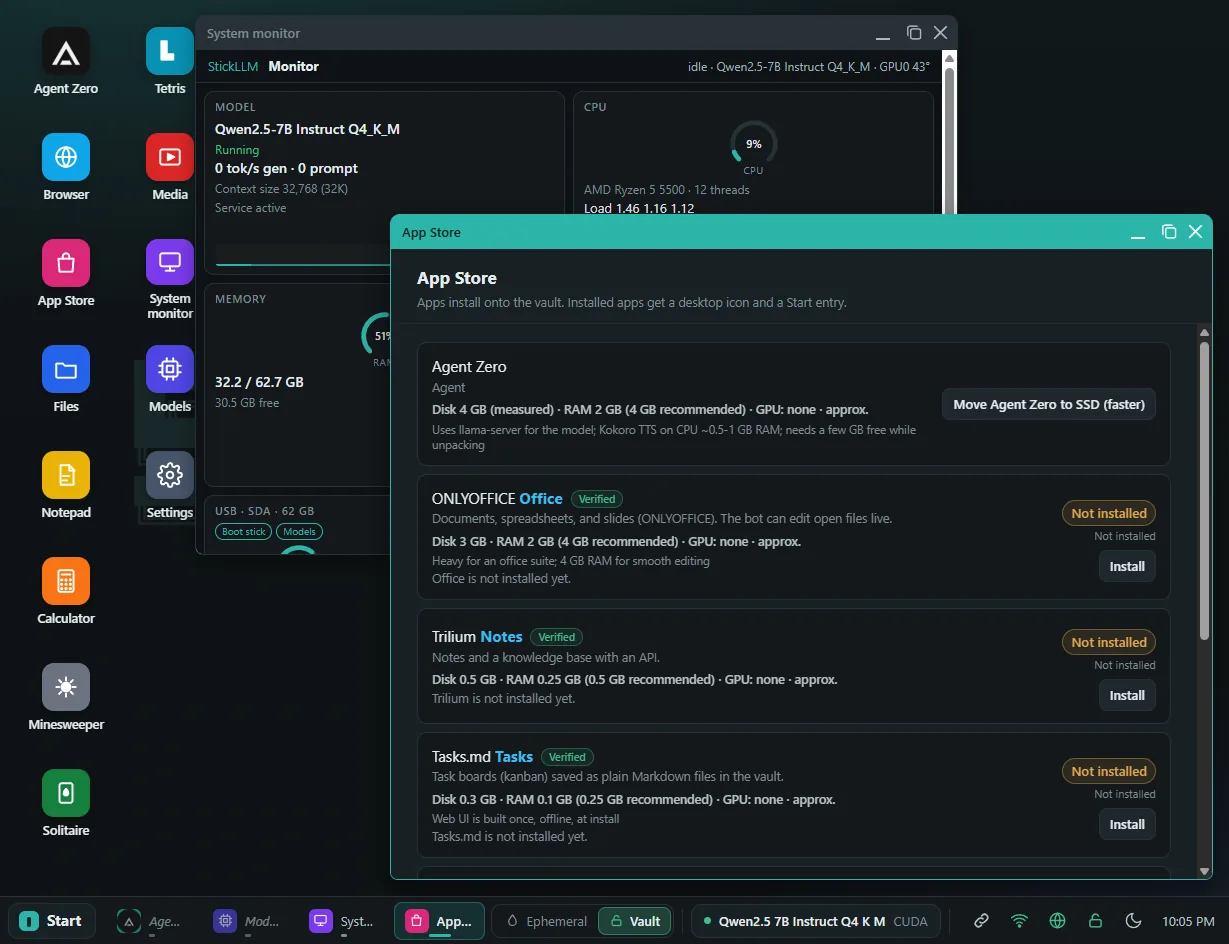
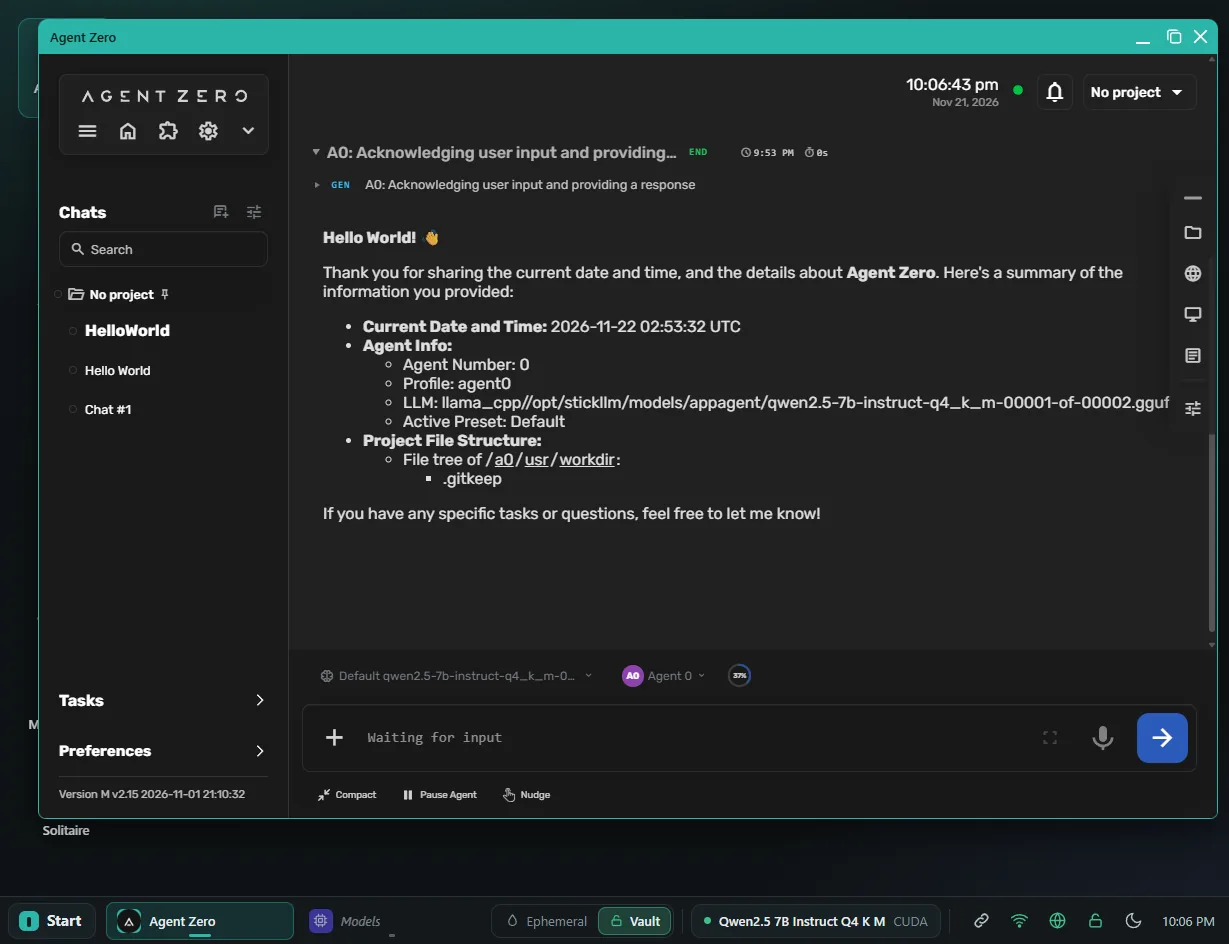
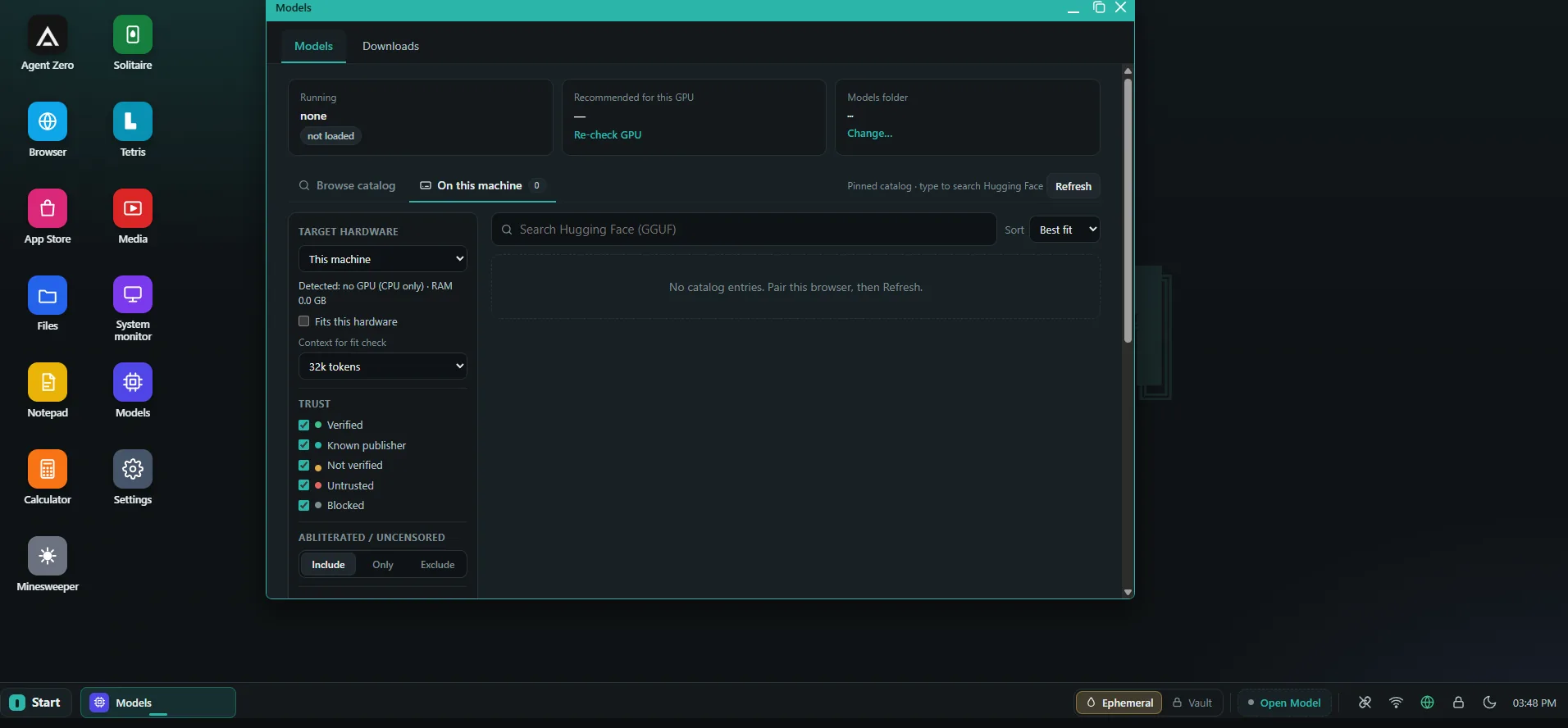
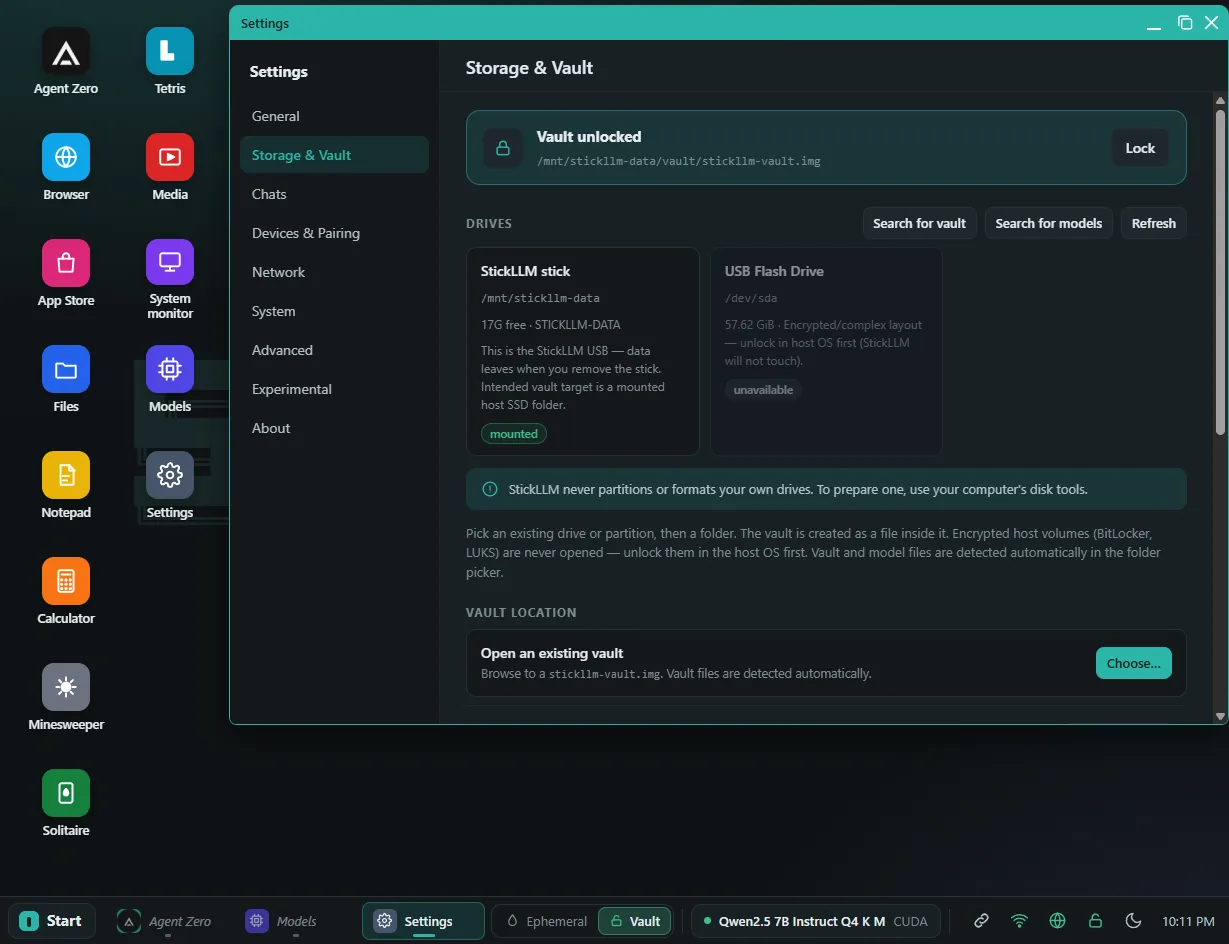
A private AI box, from a USB stick
Boot a locked-down environment on a PC with GPUs. Use it at the kiosk, or pair a phone and keep talking.
-
Local models
Run models on the machine’s GPUs with llama.cpp. Nothing is sent out for inference.
-
Agent Zero
An agent on the stick for multi-step work, alongside a simple chat front end.
-
Encrypted vault
Keep chats, models, and settings in an encrypted vault on the USB stick or the host SSD.
-
Ephemeral mode
Use a session that lives in memory and clears on reboot, when you don’t want anything saved.
-
System monitor
Watch the box while it runs — load, memory, and the rest of the machine, from the desktop.
-
Bundled apps
A simple desktop with self-hosted tools and utilities, ready when the stick boots.
StickDroid
The Android companion
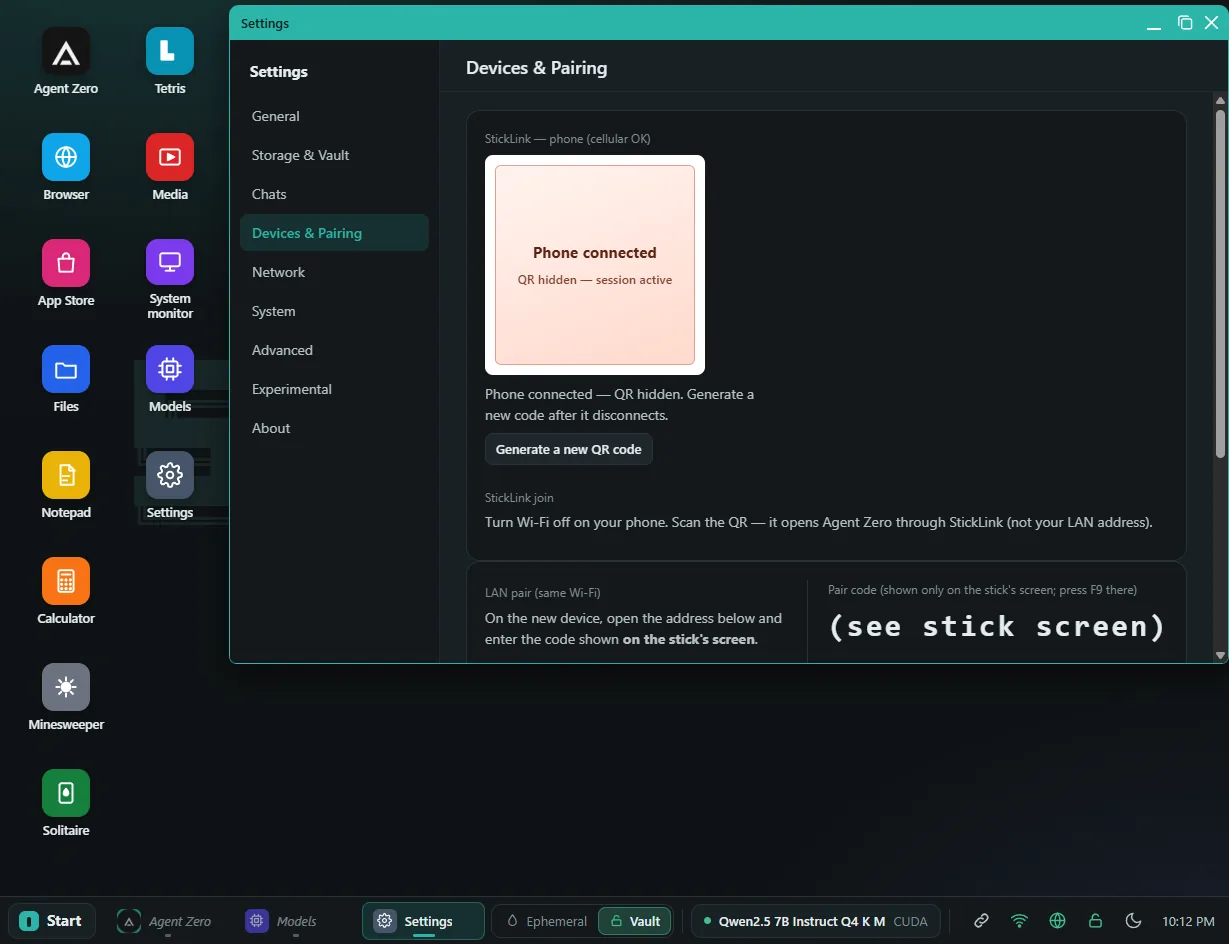
Pair the app by scanning the same QR the kiosk shows. After one scan, it stays paired until you disconnect, generate a new code, or revoke the device.
- The link is end-to-end encrypted.
- Voice input runs on the phone with on-device Vosk speech-to-text.
- Chats stay on the stick, not on the phone.
Summarize the PDF I saved to my vault this morning.
It’s a short facilities brief. The basement plant room needs a filter change this week, the east stairwell light is still out, and the new access schedule starts Monday. Want me to pull that into a checklist?
Yes — just the action items.
Three things: replace the plant-room filter, fix the east stairwell light, and post the new access schedule before Monday.
Get StickLLM
Current builds of the bootable ISO and the Android app are in this Google Drive folder. Source and checksums live in the public GitHub repository.
Flash the ISO to a USB drive in DD image mode (for example with Rufus on Windows), then set the PC to boot from that drive. Flashing erases the target disk — pick the correct one.